 ElectrifiedExperts
Most home battery problems that send new owners into a panic are not dead hardware. They’re commissioning mistakes, a software learning period nobody warned you about, or a normal algorithm doing exactly what it was told. A Powerwall that won’t charge to 100% overnight, a battery that keeps pulling from the grid, a calibration cycle that drains the pack at the worst possible hour: these look alarming and are almost always fixable without a truck roll. Below are the real ones owners hit, in their own words, and the specific fix for each. And yes, the degradation fear is overblown too.
What are the most common home battery problems?
The most common home battery problems are a system that was never properly commissioned, a backup function that was never tested, a battery that won’t charge to 100% during off-peak hours, a periodic calibration cycle that drains the pack, and efficiency numbers that look terrible because of a sensor error. Nearly all of these are setup or software issues, not failed cells.
That’s the pattern once you read enough owner forums. The hardware is usually fine. What goes wrong sits in the space between install day and the first month of ownership, where a skipped step or an unexplained default sends people straight to a one-star review. Let’s go through the real ones, then fix them.
Was your battery ever actually commissioned?
This is the worst one, and it’s more common than it should be. The battery gets bolted to the wall, the installer leaves, and the system was never actually switched on at the software level. Everything looks installed. Nothing works when the grid drops.
One owner of three Powerwall 3s learned this the hard way after repeated outages left the house with no backup at all:
“a $30k system which is not working and I’ve lost all the food in my fridge twice now”
The root cause wasn’t a defective battery. The system had never been enabled at commissioning. Source: Tesla Motors Club. A $30,000 stack of batteries is useless if the last configuration step got skipped, and from the driveway you can’t tell the difference between a commissioned system and one that’s just sitting there.
The fix is to verify commissioning yourself, in the app, before you sign off. More on exactly how in the solutions section below.
Did anyone test the backup before the installer left?
Closely related, and just as avoidable. A home battery’s headline feature is that it carries your house during an outage. Plenty of systems are never tested to confirm they actually do that, so the first real test becomes an actual blackout, which is the worst possible time to discover a wiring or configuration mistake.
After one Powerwall failed to carry a house during a blackout, the forum reaction went straight to the obvious question:
“Did they do a backup test when they installed it?”
Source: The Cool Down. It’s the right question, and the answer is too often no. A backup test takes ten minutes and it’s the single best way to catch a bad install while the crew is still standing in your driveway.
Why won’t my Powerwall charge to 100% overnight?
This is the number one worry for brand-new owners, and it’s almost never a fault. People watch their battery sit at 80 or 90 percent through cheap overnight hours, then pull from the grid in the morning, and assume something is broken.
One California owner put the confusion clearly:
“Why didn’t our Powerwall charge to 100% overnight during the super off peak so we wouldn’t have to draw energy from the grid this a.m.?”
Source: The Cool Down. Two things are happening here, and neither is a defect. First, time-of-use logic. The system is trying to optimize around your rate plan, and depending on your mode and reserve settings it may not top all the way off if it predicts your solar will cover the day. Second, there’s roughly a one-week learning period after install while the software studies your usage and solar pattern. Nobody tells new owners about this window, so a normal calibration of the algorithm reads like a malfunction. See the fixes below for how to set this deliberately instead of fighting it.
Why does my battery drain during peak hours for calibration?
Every so often a home battery runs a calibration cycle, deliberately discharging and recharging to keep its state-of-charge estimate accurate. Useful in principle. Maddening when it fires during your most expensive rate window and dumps a full pack right when you wanted it.
One owner’s reaction to a badly timed calibration:
“Argg I hate those! Specially when it does it during peak hours rate time!”
Source: The Cool Down. The battery isn’t failing. It’s doing scheduled housekeeping at an inconvenient moment. On current firmware you have more control over this than older threads suggest, which we’ll cover in the fixes.
Is my battery really losing 41% of its energy?
Round-trip efficiency is the energy you get back out versus what you put in. For most home batteries it lands around 84 to 87 percent, so a small loss is normal and expected. A huge loss usually means your measurement is wrong, not your battery.
An Enphase owner measured a gap between energy in and energy out that shocked them:
“implies a 41% loss. Is that normal?”
Source: The Cool Down. No, it isn’t. A real lithium home battery doesn’t throw away 41 percent of what you feed it. A number that bad almost always points to a current transformer (CT) or sensor that’s mis-installed, mis-scaled, or reading the wrong circuit. The cells are fine. The metering is lying to you.
Should I worry about my battery degrading?
Here’s the reassuring part, because degradation fear drives a lot of buying anxiety and the measured reality is much calmer than the worry. Long-term owners tracking their packs over years aren’t seeing the cliff people brace for.
On a long-running lifespan thread, owners of Powerwall 2 units reported only about 1 to 2 percent capacity loss over three to five years of use. Source: Tesla Motors Club. That’s a battery that will very likely outlast its warranty in usable capacity. So while it’s smart to check on the confusing behaviors above, the slow fade of the cells is not the thing to lose sleep over.
How to fix the most common home battery problems
Almost everything above comes down to verifying the install and understanding the software. Here’s the checklist, roughly in the order it matters.
- Demand a live islanding and backup test before the installer leaves. Have them flip your main breaker off and watch the house run on battery. If your lights, fridge, and internet stay up with the grid disconnected, backup works. If the crew won’t do this, that’s a red flag on its own.
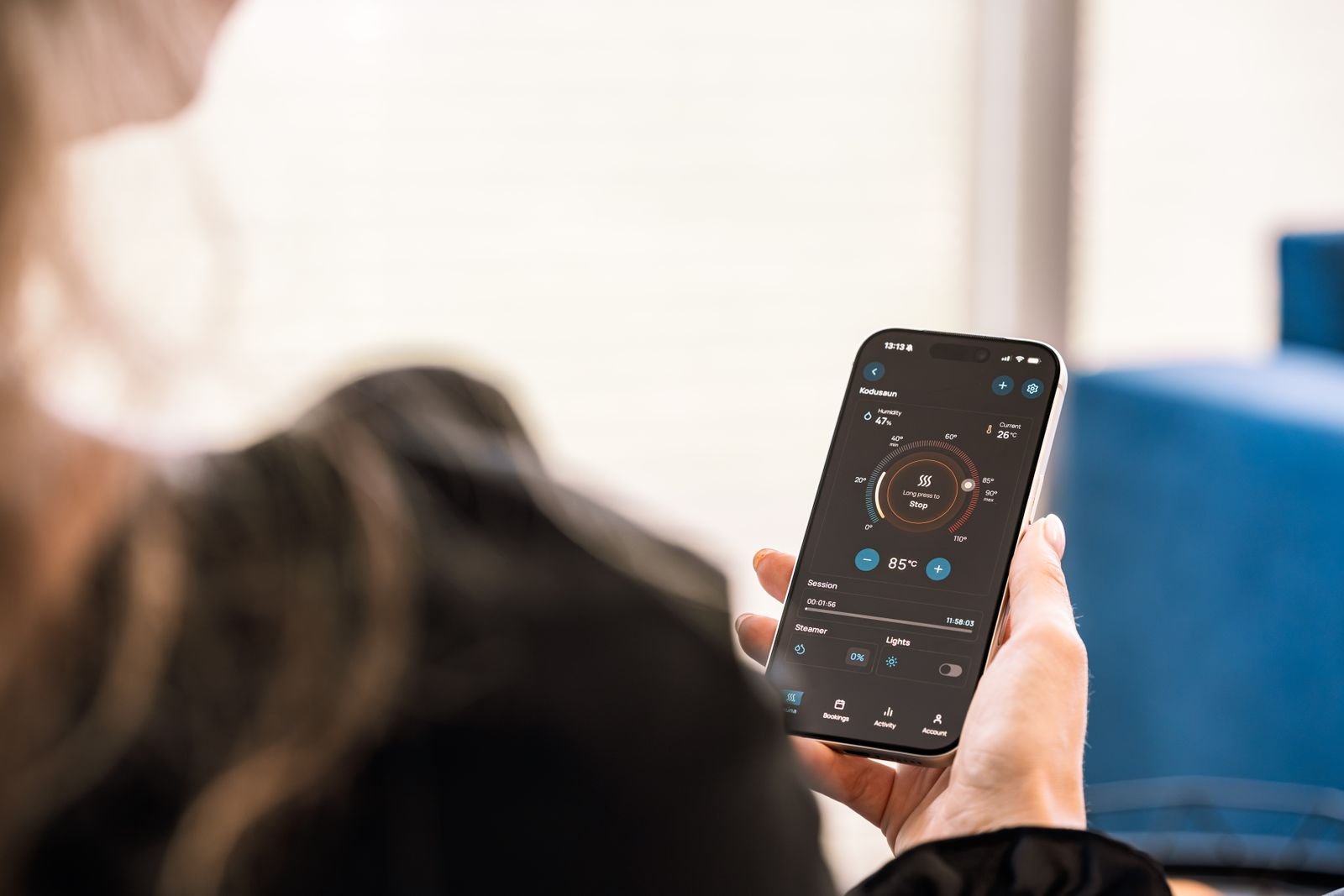
- Confirm in the app that the system is actually commissioned and online. Don’t trust that a mounted battery is a working battery. Open the app, check that it shows commissioned and connected, and watch real power flow through it before you consider the job done.
- Expect a roughly one-week learning period for time-of-use charging. The algorithm needs data on your usage and solar before it charges the way you’d hope. Set your backup reserve and your operating mode deliberately rather than assuming the default matches your goal.
- Delay or stop a calibration cycle on newer firmware. If a calibration kicks off during peak-rate hours, current software lets you pause or reschedule it instead of watching the pack drain when you least want it.
- If round-trip efficiency looks terrible, suspect the wiring, not the cells. A 41 percent loss is a CT or sensor setup error, not a failing battery. Have the installer verify current-transformer placement, orientation, and scaling before anyone talks about a replacement.
- Place the unit away from bedrooms and out of temperature extremes. These systems make some noise and they don’t like brutal heat or deep cold. A garage or shaded exterior wall beats a spot under a bedroom window.
- Budget for standby draw. Each unit sips roughly 0.3 to 1 kWh a day just running its own electronics. That’s normal overhead, not a leak, so don’t chase it as a fault.
Frequently asked questions
Why is my Powerwall not charging to 100% overnight?
Usually because time-of-use logic and your mode and reserve settings are optimizing around your rate plan and predicted solar. There’s also about a one-week learning period after install. Check your mode and reserve first, then give the software a week before assuming a fault.
Is it normal for a home battery to pull from the grid?
Often, yes. Depending on your mode, reserve setting, and rate plan, the system may draw from the grid to protect your backup reserve or because it predicts solar will refill the pack. It’s usually a settings choice, not a malfunction.
Why does my battery drain itself sometimes?
Most likely a scheduled calibration cycle, where the battery discharges and recharges to keep its state-of-charge estimate accurate. It’s normal maintenance. On newer firmware you can often delay or stop it so it doesn’t hit during peak-rate hours.
How much capacity will my home battery lose over time?
Less than most people fear. Long-term Powerwall 2 owners report only about 1 to 2 percent capacity loss over three to five years. Degradation is real but slow, and most packs will keep serving their job well past the point owners worry about.
If you’re still shopping, the lesson is to treat commissioning and the backup test as non-negotiable, not paperwork. The owner who lost a fridge of food twice didn’t have a bad battery. He had a system nobody finished turning on. Verify the install, learn the software, and most “my battery is broken” moments never happen to you.
Trey Linder writes about EVs, home batteries, and rooftop solar for homeowners at Electrified Experts.